deep-dive
Reading a Codebase Like a Migration Engineer: Inside Swordfish's Code Explorer
You wouldn't renovate a house you've never walked through. So why migrate a codebase you've never mapped?
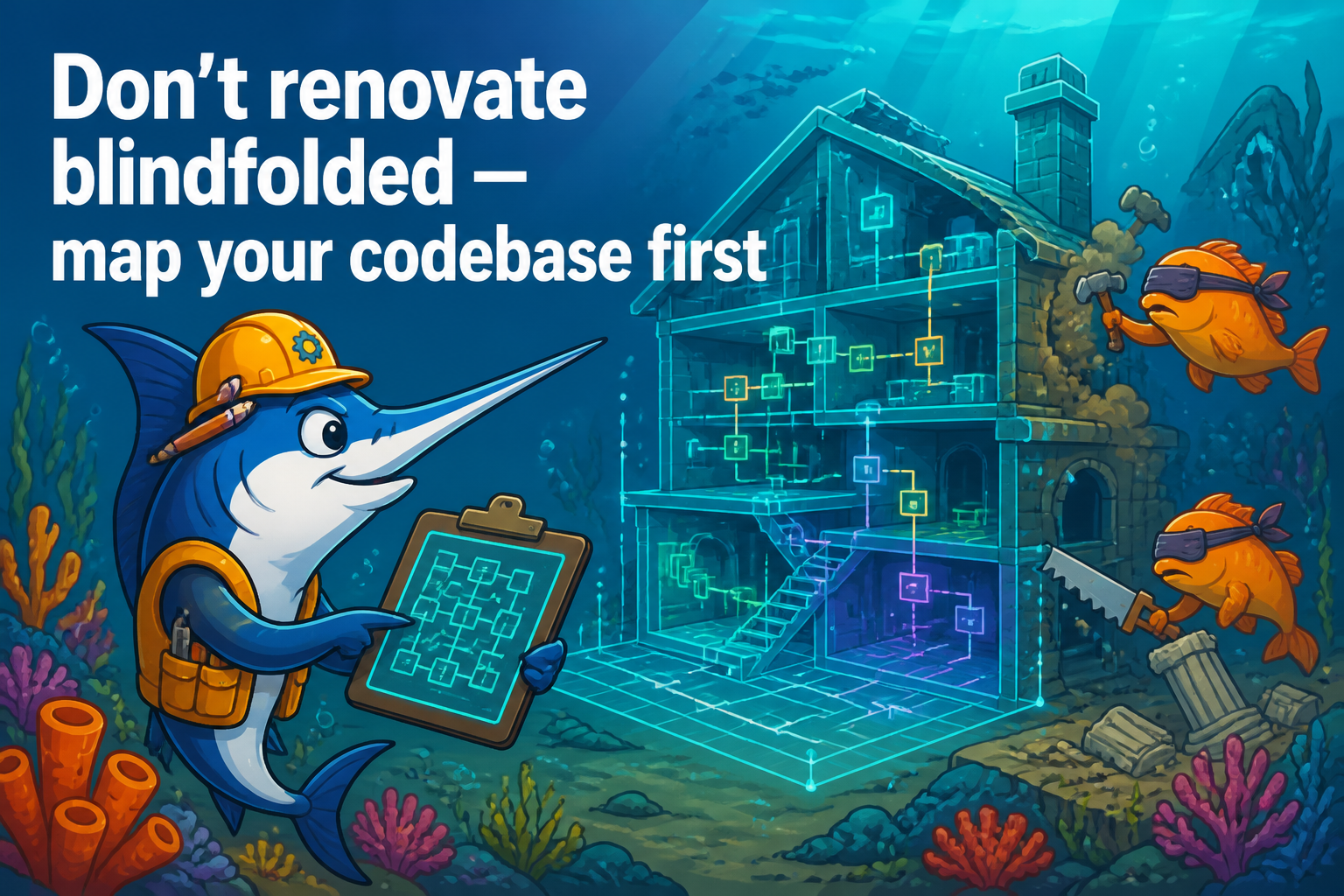
Before you change anything in a legacy system, you have to understand it — and “understand it” is doing a lot of heavy lifting in that sentence when the codebase is 800,000 lines, fifteen years old, and written by people who are mostly gone. You can’t hold it in your head. You can’t grep your way to a mental model. And you definitely can’t hand it to a coding agent and expect the agent to understand it either, because the agent has even less context than you do.
Swordfish’s Code Explorer exists to give you that map. It’s the layer underneath the migration findings — the part that knows what’s actually in the codebase and how it connects. Here’s what it does and, more usefully, how to use it to plan a migration.
Symbols: what’s in here?
The Explorer parses your code with tree-sitter across 40+ file extensions and extracts symbols: functions, classes, methods, the structural skeleton of the codebase. This is the “what exists” layer. Before a migration, the first question is always “what am I even dealing with,” and a symbol index answers it precisely instead of impressionistically. You stop guessing how many data-access classes there are and start knowing.
Search: full-text and semantic
Two ways to find things, because you’ll need both.
Full-text search (FTS) is for when you know the string — find every reference to orders_seq, every call to a deprecated helper, every literal '0000-00-00'. Fast, exact, the workhorse.
Semantic search is for when you know the concept but not the string. “Where does this app handle currency rounding?” doesn’t map to a single keyword — the relevant code might say round, scale, decimal, money, or nothing obvious at all. Swordfish computes embeddings (using a local ONNX model by default, so this works offline and your code never leaves the building) and lets you search by meaning. For a migration, this is how you find the behavioral-trap-adjacent logic that doesn’t announce itself with a keyword.
The impact graph: who calls this?
This is the one that changes how you plan. The Explorer builds an impact graph (a map of what calls what) so you can ask the question that actually matters before touching a piece of code: if I change this, what breaks?
Say you’ve found a stored procedure that needs a rewrite. The naive approach is to rewrite it and find out downstream what depended on it. The migration-engineer approach is to ask the impact graph for its blast radius first: which services call it, from how many places, with what assumptions. A procedure called from one place is a contained change. The same procedure called from forty places, with four different sets of assumptions about its behavior, is a project — and you want to know that before you start, not after.
An honest limitation (because it matters here)
I’d rather tell you where the map has blank spots than let you trust a blank spot as solid ground. The call-graph edges (the “who calls what” connections) are real and reliable for Java, Python, PHP, and C#. For TypeScript, Go, and C++, the Explorer currently indexes the symbols (the nodes) but does not yet extract the call edges.
The important part is what we do about that: instead of silently showing zero edges for a TypeScript file — which you’d reasonably misread as “nothing calls this, safe to change” — Swordfish exposes a per-language signal so the UI can say “call edges unavailable for this language” rather than “no callers found.” Those are very different statements, and conflating them is exactly the kind of confident-but-wrong gap that gets someone burned. An empty result and an unsupported result must never look the same. So they don’t.
How to actually use this before a migration
The workflow I’d recommend, in order: index the codebase so the symbols, search, and graph are populated. Use full-text search to inventory the obvious source-dialect patterns and confirm the scale of what you’re dealing with. Use semantic search to find the conceptual hotspots — money math, date handling, anything that smells like a behavioral trap. Then, for every high-effort finding, check its blast radius in the impact graph before you scope the work, so your estimate reflects how connected the code actually is rather than how connected you hope it is.
Do that and you walk into the migration with a map instead of a flashlight. You know what’s there, you can find things by name and by meaning, and you know what’s load-bearing before you start pulling on it. That’s the difference between renovating a house you’ve surveyed and one you’re discovering room by room with a sledgehammer already in your hand.
Swordfish is an open-source (Apache-2.0) assessment harness for migrating Oracle, MySQL, SQL Server, Sybase, and DB2 to PostgreSQL — it shows you what’s in your codebase, what needs to change, and hands scoped tasks to the copilot you already use. Source: github.com/EnterpriseDB/swordfish-migrations