Migrating the Code, Not Just the Schema: One App, End-to-End
The capstone: take one sample app through the full funnel — assess, review findings, edit a recommendation, hand a scoped prompt to your copilot, diff the .new files, test.
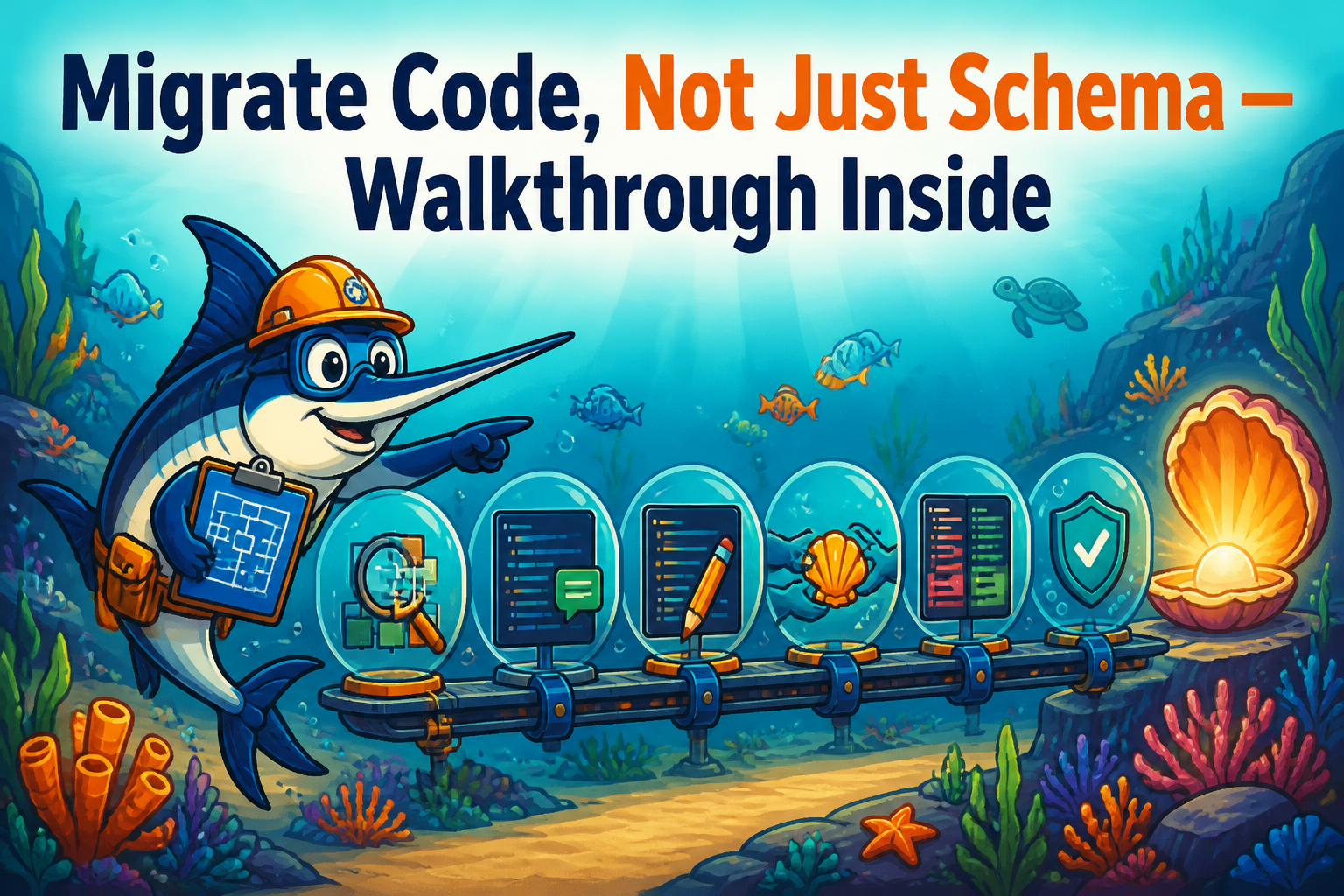
This whole series has made one argument from a lot of angles: the migration is in the code, the dangerous parts need human judgment, and the right tool assesses and assists rather than pretending to do it all. This post puts the whole loop in one place — taking a single application from “we need to get off Oracle” to “reviewed, tested changes ready to merge.” No new concepts; just the pieces from the earlier posts in sequence, so you can see how they fit.
Reproduce it against a sample app: cd ops && docker compose up -d, then follow along. (The bundled sample apps come from the swordfish-sample-apps repo; or point it at your own.)
Step 1 — Assess (don’t touch anything yet)
Create a project, set the source type (say oracle) and target (community PostgreSQL or EPAS; pick now, it changes the work), point it at the app, and scan. The four-tier funnel runs: deterministic rules catch the known patterns, call-site detection and extraction find the SQL hiding in the application code, and the LLM tiers handle the long tail, with multi-model cross-checking on the uncertain findings.
What you get back isn’t a wall of red. It’s a consolidated, ranked worklist: findings grouped by concern, sorted by severity and effort, with the behavioral traps pulled out into their own high-priority bucket because those are the ones that pass tests and corrupt data. Spend a minute here just reading the map before you do anything. This is the step most migrations skip and most migrations regret skipping.
Step 2 — Review, and separate the easy from the dangerous
Triage the findings into roughly three piles, which the severity/effort ranking does most of for you:
The mechanical conversions: ROWNUM → LIMIT, NVL → COALESCE, (+) joins → ANSI. Confirm-and-move-on. If you’re targeting EPAS, filter these out entirely; many are no-ops there and your scope just shrank.
The behavioral traps: the ORA-BEH-002 empty-string sites, the date and NULL-handling differences. These get real attention, because they’re where “it compiled” and “it’s correct” diverge. For each, ask what the original code meant, not just what it did.
The inferred-knowledge flags: the magic numbers, the status = 3 sites. These don’t get rewritten by anyone, human or machine, until someone who knows the business confirms what they mean. Route them to that person now, while they’re still reachable.
Step 3 — Edit the recommendation
Pick a finding. Swordfish proposes a change. Here’s the part that matters: you can edit it. The recommendation is a strong default, not a verdict. Tweak the rewrite, adjust the prompt that’ll go to your agent, reject it outright if the tool misread the intent. For a behavioral trap, this is where your judgment about what the code meant becomes the instruction the agent will follow. The tool assesses and recommends; you decide.
Step 4 — Hand off to your copilot
Now (and only now) you change code, using a tool you already trust. Export a prompt pack to paste into Cursor or Claude Code, or run one of the in-tool execution modes (direct LLM, the permission-gated agent, or a sandboxed copilot CLI). Whichever you pick, the agent is working from a scoped, contextual task: “rewrite this specific construct, here’s the surrounding code, here’s the confirmed intent,” instead of “here’s the repo, good luck.” That’s the difference between an agent that helps and an agent that guesses.
Step 5 — Diff the .new, then test
The rewrite lands in a .new sibling file. Your original is untouched. You diff it, read it, and decide what merges — the worst case for a bad suggestion is “you said no to a diff,” not “an agent rewrote your codebase overnight.”
Then you test, and you test the behavior, not just that it compiles. For the behavioral-trap findings especially, write the test the original team never did: feed it the empty string, the trailing space, the mixed-case duplicate. Make the difference show up in CI now, not in a report three weeks after cutover.
That’s the whole thing
Step back and look at the loop: assess → review → edit → hand off → diff → test. The tool found the work (including the SQL you’d never have grepped), separated the safe from the dangerous, drafted the changes, and stayed out of the way for the two steps only you can do — deciding what the code means and confirming the result is right. The copilot did the typing. You kept control of everything that could hurt you.
It’s not zero work. Nobody who’s done a real migration believes in zero work. But it’s a migration where you can see what you’re dealing with, your effort lands where the risk is, your AI tools are actually effective because they have context, and nothing changes without you looking at it. That’s not a black box that promises the moon and hands you a codebase full of confident guesses. It’s a sharp tool, a clear map, and you in the driver’s seat — which, after fifty of these, is the only way I’ve seen them actually go well.
Now go point it at something real and see what’s in there. I promise it’s more than you think.
Reproduce this walkthrough against the bundled sample apps: github.com/EnterpriseDB/swordfish-sample-apps. Swordfish itself (Apache-2.0): github.com/EnterpriseDB/swordfish-migrations